
 EN
EN ES
ES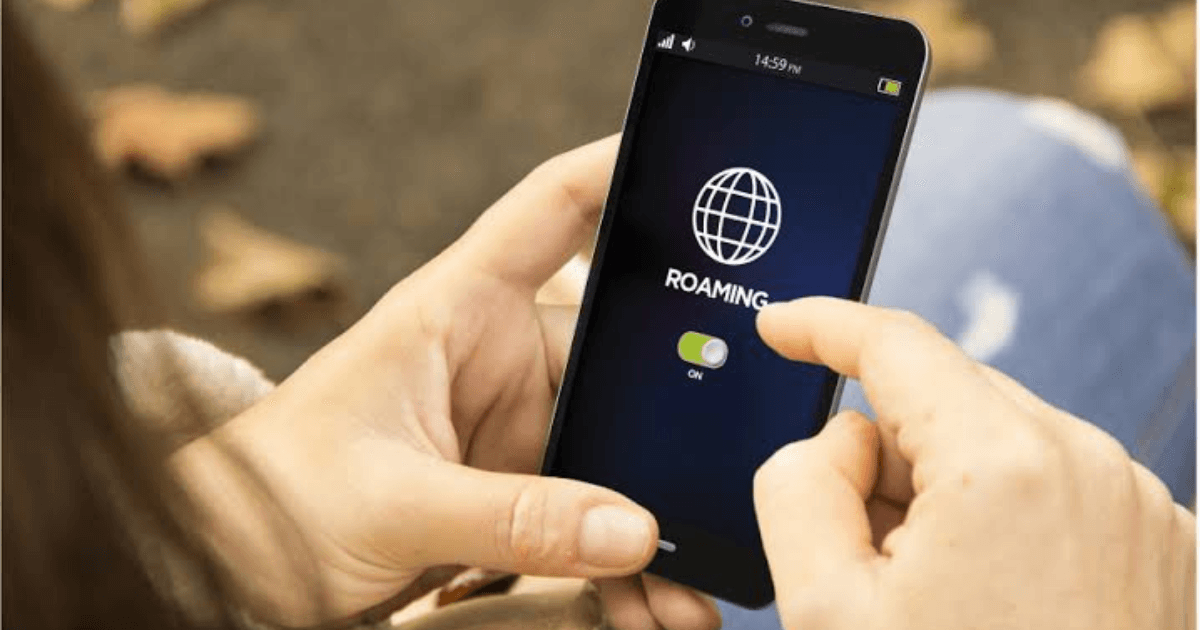
Deciding whether to have data roaming enabled or disabled is essential for modern travelers. Mobile internet is key for using maps, managing reservations, translating languages, and staying connected in emergencies. However, roaming costs can quickly escalate, especially on long trips or in countries with high rates.
Many users also wonder whether it's better to have data roaming turned on or off before traveling. With Blink eSIM, you can manage your mobile data to travel efficiently, monitor consumption, and decide when to activate or deactivate roaming to stay connected without overspending.
How data roaming works
Data roaming allows your phone to connect to foreign mobile networks while you travel. This makes it easy to use navigation, messaging, social media, and travel apps in real time.
The decision to keep data roaming on or off depends on your country, your mobile carrier, and your plan. Data roaming abroad can be useful, but leaving it on without planning could result in high charges. Turning it off, on the other hand, gives you more control over your mobile data usage outside your home country.
Explore our Roamless eSIM review compare prices, coverage, and features for international travelers in 2026. Learn how it works in various countries and why it's a popular choice for efficiently managing global mobile data.
When to activate data roaming
You should consider keeping roaming enabled when:
- You navigate through unfamiliar cities using maps.
- You need to receive immediate updates on flights, hotels, or reservations.
- You should send urgent messages when Wi-Fi is unavailable.
- You use travel apps for local transportation or recommendations.
In these cases, data roaming offers convenience and continuous access to essential apps. If you're wondering whether you should activate data roaming, the answer depends on whether you need immediate connectivity during your trip.
When to turn off data roaming
Turning off roaming is a smarter option in situations like:
- You want to save money on mobile data.
- You are trying to reduce your data usage.
- You have access to Wi-Fi to use essential apps.
- You travel to countries with high roaming charges.
Knowing what happens if you turn off data roaming is important: your apps won't use mobile internet on foreign networks, but they'll still work when you connect to Wi-Fi. This helps control expenses, reduce data usage, and save battery life.
Check out our full list of eSIM compatible phones to find out which devices support global eSIM connectivity and work seamlessly with travel data plans.
How to control mobile data while traveling
Managing roaming doesn't have to be complicated. Understanding when to turn data roaming on or off can help you avoid unnecessary charges and maintain a stable connection when you really need it.
Some practical strategies include:
- Monitor daily usage: Check your data usage to avoid unexpected charges.
- Use offline content: Download maps, travel guides or entertainment before leaving Wi-Fi zones.
- Activate the eSIM selectively: Blink eSIM lets you activate data only when you need it for apps like maps or messaging.
- Limit background activity: Disable automatic updates and cloud synchronization to save data.
- Combines Wi-Fi and eSIM: Use Wi-Fi whenever possible to conserve your data plan.
These methods help maintain an efficient and cost-effective connection during your travels.
Learn more about prepaid options in the US with our guide AT&T prepaid eSIM, which includes details on setup, pricing and travel connectivity tips.
How does the eSIM help manage roaming?
Blink eSIM simplifies roaming management with:
- Instant activation without changing SIM cards.
- Real-time consumption monitoring.
- Flexible data plans for multi-country travel.
- Help to avoid costly international fees.
With Blink eSIM, travelers can easily decide whether to keep data roaming on or off according to their needs, gaining control, flexibility, and convenience throughout their trip.
Conclusion
Choosing between enabling or disabling data roaming depends on your travel habits, app usage, and destination. Keeping it enabled ensures immediate connectivity, while disabling it helps save battery power and reduce unnecessary costs.
With Blink eSIM, travelers can manage their mobile data usage abroad, avoid unexpected bills, and stay connected wherever they go. It also helps reduce data roaming charges by offering more predictable and manageable plans.
Get your Blink eSIM today to activate it instantly, choose flexible international plans and travel smarter in 2026.
Frequently Asked Questions
1. Should I activate data roaming while traveling?
Activate it when you need real-time navigation, flight updates, or urgent messages. Deactivate it if you want to save battery and avoid high roaming costs.
2. How can I save money with data roaming?
Use Blink eSIM, switch to Wi-Fi when available, disable background apps, and monitor your daily usage.
3. Does disabling roaming affect applications?
Yes, apps may stop updating in real time if you're not connected to Wi-Fi.
4. Can an eSIM completely replace roaming?
Yes. Blink eSIM enables global connectivity with more predictable costs, reducing the need for traditional roaming.
5. When is it best to turn off roaming?
Turn it off during long trips, when you're connected to Wi-Fi, or when you want to conserve battery and reduce data usage.