
 EN
EN ES
ES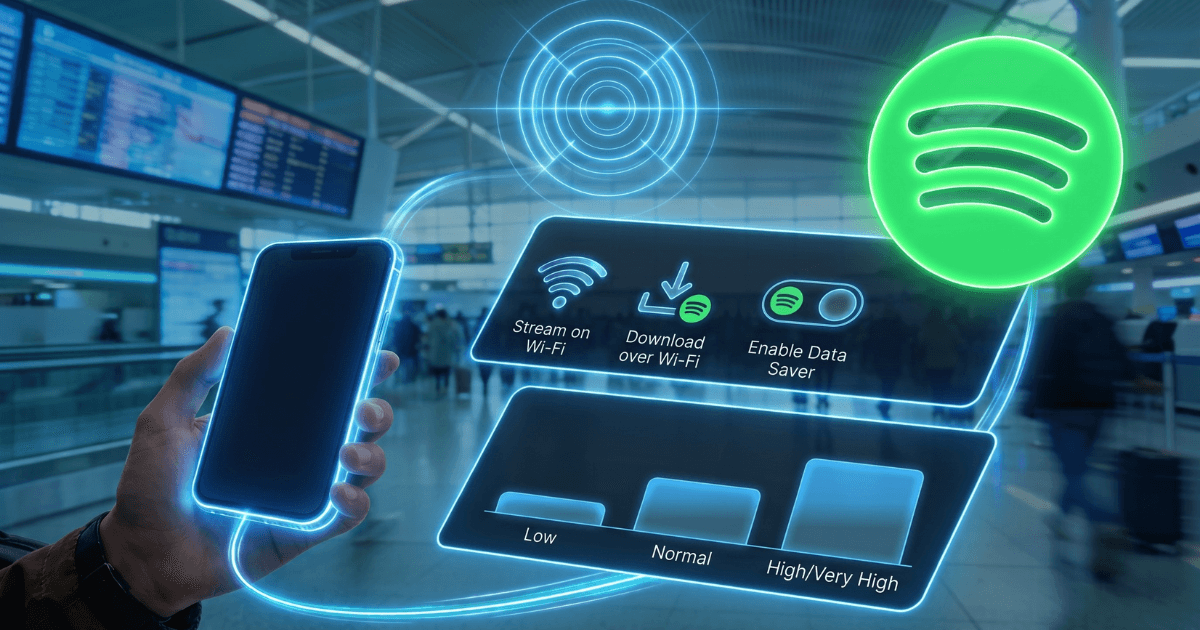
If music is the soundtrack to your daily commute, workouts, or road trips, chances are Spotify is using up some of your mobile data in the background. So, how much data does Spotify use, and should you be concerned about your monthly usage? The short answer is: less than you might think for typical music listening, but usage can quickly increase if you stream at the highest quality or watch podcasts with video.
Here you'll find everything you need to know about Spotify's data usage, along with simple ways to keep your consumption under control.
Explore how eSIM ensures stable internet and why more travelers are choosing eSIM for dependable internet access worldwide.
How much data does Spotify use per hour?
Data usage on Spotify depends almost entirely on one factor: the streaming quality you choose. Spotify offers four standard audio levels, each corresponding to a bitrate measured in kbps. The higher the bitrate, the better the sound, but the more data each second of playback will consume.
Here's an estimate of how many MB Spotify uses during one hour of playback in each configuration:
| Quality settings | Bit rate | Data per hour |
|---|---|---|
| Low | 24 kbps | ~11–14 MB |
| Normal | 96 kbps | ~43 MB |
| High | 160 kbps | ~72 MB |
| Very high (Premium) | 320 kbps | ~144–150 MB |
In simpler terms, a typical four-minute song uses around 0.7 MB at Low quality, about 2.9 MB at Normal, and almost 9–10 MB at Very High. A 1 GB plan lets you listen for approximately 90 hours at Low, 24 hours at Normal, 14 hours at High, or about 7 hours at Very High.
There are two options that fall outside this range. Spotify's new Lossless tier, which is being rolled out to Premium users, streams in FLAC and can use between 0.6 and 1 GB per hour. On the other hand, podcasts with video play both image and sound, so they can easily exceed 1 GB per hour. Audio-only podcasts consume roughly the same amount of data as music at the same quality.
Does Spotify use a lot of data?
Not really. For regular music listening, Spotify is one of the lightest apps on your phone. In Normal quality, it uses about 43 MB per hour, much less than video apps like Netflix or YouTube.
Not really. For regular music listening, Spotify is one of the lightest apps on your phone. In Normal quality, it uses about 43 MB per hour, much less than video apps like Netflix or YouTube.
Read how to select the best eSIM based on your needs and compare plans by coverage, flexibility, and price.
What affects data usage on Spotify?
In addition to the chosen quality, some features can silently increase the amount of internet Spotify uses:
Canvas adds short looping videos to some songs, although they are highly optimized and hardly noticeable in terms of data usage.
Autoplay continues playing new songs after your playlist ends, so playback and consumption continue if you don't stop it.
Free vs. Premium Users: Free users hear ads and cannot download music for offline listening. This means they are constantly reliant on streaming. Premium users, on the other hand, can download content and have greater control over the quality.
How to reduce Spotify data usage
If you're nearing your monthly data limit, you don't need to stop listening to music. Here are the most effective ways to reduce your usage:
Turn on Data Saver. It's the quickest solution. Open the app, tap your profile picture, go to Settings & Privacy → Data Saver, and turn it on. This reduces streaming quality to Low and automatically disables Canvas visuals.
Manually reduce the streaming quality. In Settings → Audio Quality, choose a lower setting for mobile data and leave the higher setting only for Wi-Fi. Most people will barely notice the difference between Normal and High on standard phone speakers or headphones.
Download over Wi-Fi. Premium users can save playlists, albums, and podcasts to their device. Once downloaded, playing them offline on Spotify doesn't use mobile data.
Use Wi-Fi whenever possible. Reserve lossless and video podcasts for Wi-Fi, as both can use up to 1 GB per hour.
Turn off Autoplay to prevent Spotify from continuing to play additional songs that you are not actively listening to.
How to check Spotify data usage
Spotify doesn't show data usage within the app, so you'll need to check it in your phone's settings.
iPhone: Settings → Cellular → scroll down to Spotify.
Android: Settings → Network & internet or Connections → Data usage → Mobile data usage → Spotify.
Reset statistics to the start of your billing cycle or trip for more accurate tracking.
Conclusion
For daily use, Spotify is quite data-friendly, especially at Low or Normal quality settings. It only becomes a high-data app when you use Very High or Lossless quality, or stream video podcasts. Adjust your playback quality to suit your data plan, download playlists over Wi-Fi before traveling, or use a eSIM for travel to stay connected without relying on public networks. Also, enable Data Saver mode when you are nearing your limit. This way, you can keep listening to music without getting a "data limit reached" alert in the middle of a song.
Frequently Asked Questions
How much data does Spotify use per hour?
It depends on the streaming quality. Low, at 24 kbps, uses around 11–14 MB per hour. Normal, at 96 kbps, uses about 43 MB. High, at 160 kbps, uses approximately 72 MB. Very high, at 320 kbps, can use between 144 and 150 MB per hour. Lossless and video podcasts are the exception, as they can use up to 1 GB per hour.
Does Spotify use a lot of data?
Not for regular music listening. In Normal quality, it uses about 43 MB per hour, much less than video apps like Netflix or YouTube. It only becomes resource-intensive in Very High quality, Lossless, or with podcasts that include video.
How much data does Spotify use per song?
A typical four-minute song uses approximately 0.7 MB in Low quality, about 2.9 MB in Normal, around 4.8 MB in High and almost 9–10 MB in Very High.
How long does 1 GB last on Spotify?
Approximately 90 hours in Low quality, 24 hours in Normal, 14 hours in High, or about 7 hours in Very High. In Lossless or video podcasts, 1 GB can last only about an hour.
How much data does Spotify use per month?
If you listen for one hour a day in Normal quality, you'll use approximately 1.3 GB per month. In Very High quality, that same hour a day could exceed 4 GB per month.
How can I reduce data usage on Spotify?
Activate Data Saver, lower the streaming quality for mobile data, download playlists over Wi-Fi, use Wi-Fi whenever possible, and turn off Autoplay to prevent it from continuing to play extra songs.